Build Your Personal AI Operating System.
Use AI more intentionally. Turn what works into reusable systems. Save time. Improve continuously as AI changes.
Digital Planner · Notion Workspace · Setup · Quick Start Support
Good AI results are easy to lose when every task starts
from scratch.
You may already use AI for emails, research, planning, decisions or repetitive work. But if useful prompts, workflows and lessons stay scattered across chats, the value rarely compounds.
already worked
improving next
More AI tools do not automatically create more leverage. Better systems do.
Move from one-off AI use to a system that improves with you.
Every task begins again from zero.
What you build keeps compounding over time.
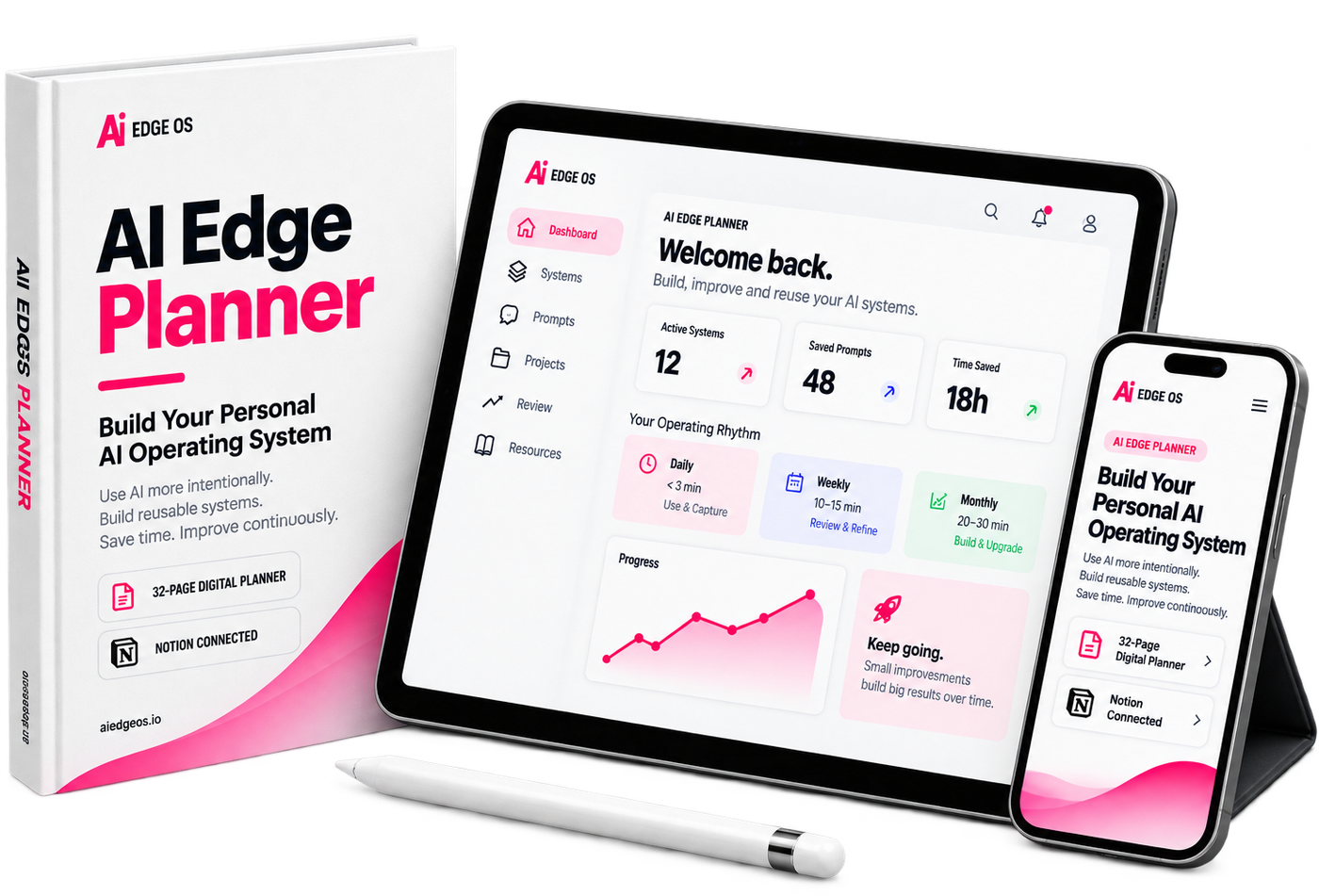
The Planner helps you capture what works, improve it through real use and turn proven AI work into systems and reusable assets you can use again.
AI changes every month. Your system should improve with it.
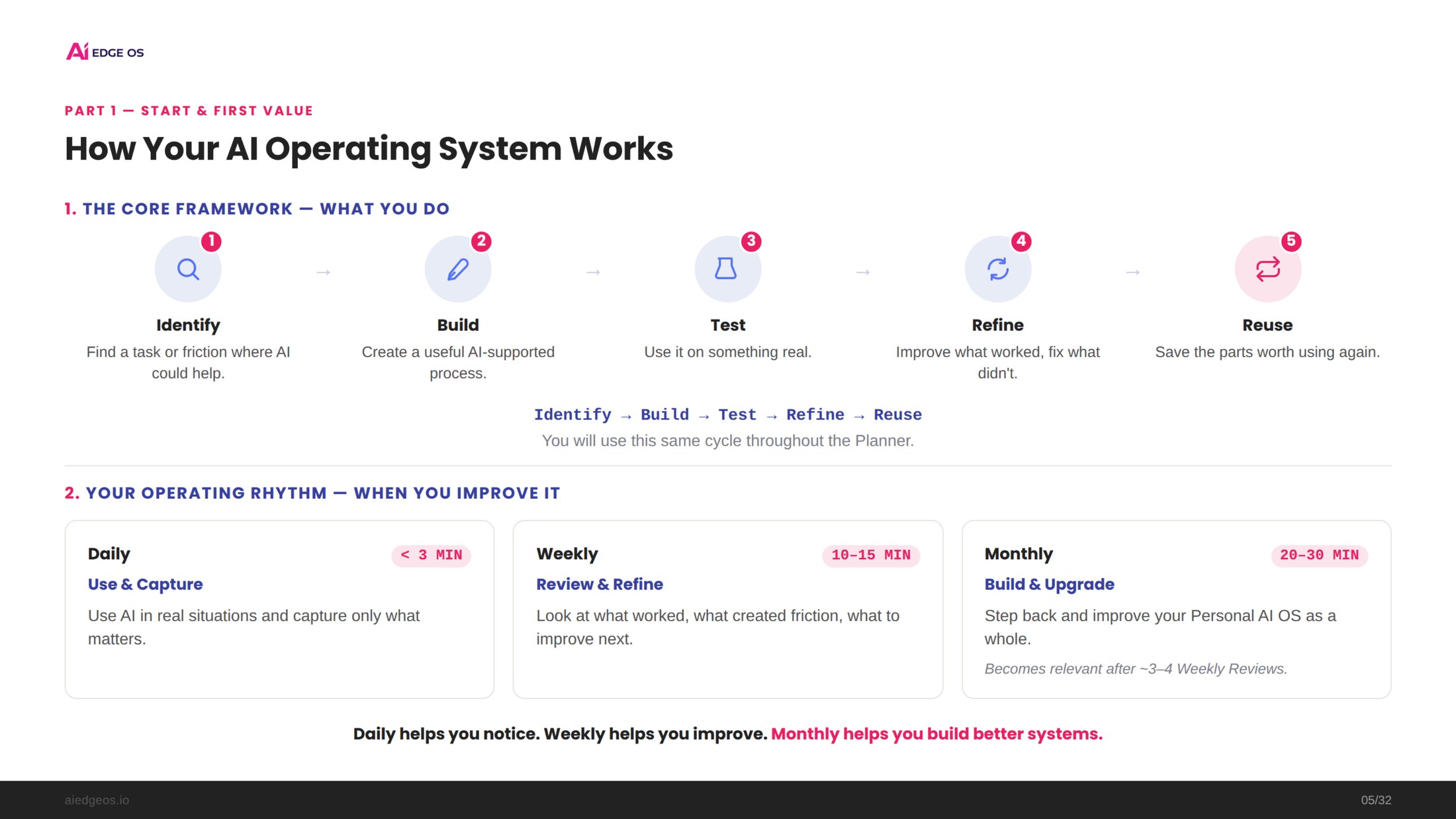
A simple framework for building better AI systems
Identify
Find recurring work, friction and opportunities where AI could create real value.
Build
Turn one useful opportunity into a simple AI-supported system.
Test
Use it on something real instead of judging it on paper.
Refine
Improve what works and fix what creates friction.
Reuse
Save proven prompts, templates and workflows so you do not start over.
Identify → Build → Test → Refine → Reuse
Build once. Improve continuously.
Use & Capture
Notice useful AI moments and capture only what matters.
Review & Refine
Look at what worked, what created friction and what deserves improvement next.
Build & Upgrade
Step back after approximately 3–4 Weekly Reviews and improve your Personal AI OS as a whole.
Daily helps you notice. Weekly helps you improve. Monthly helps you build better systems.
Everything you need to build and operate your system
32-page digital implementation Planner
A complete guided path from first AI win to building, testing, refining and operating reusable AI systems.
Your living Personal AI Operating System
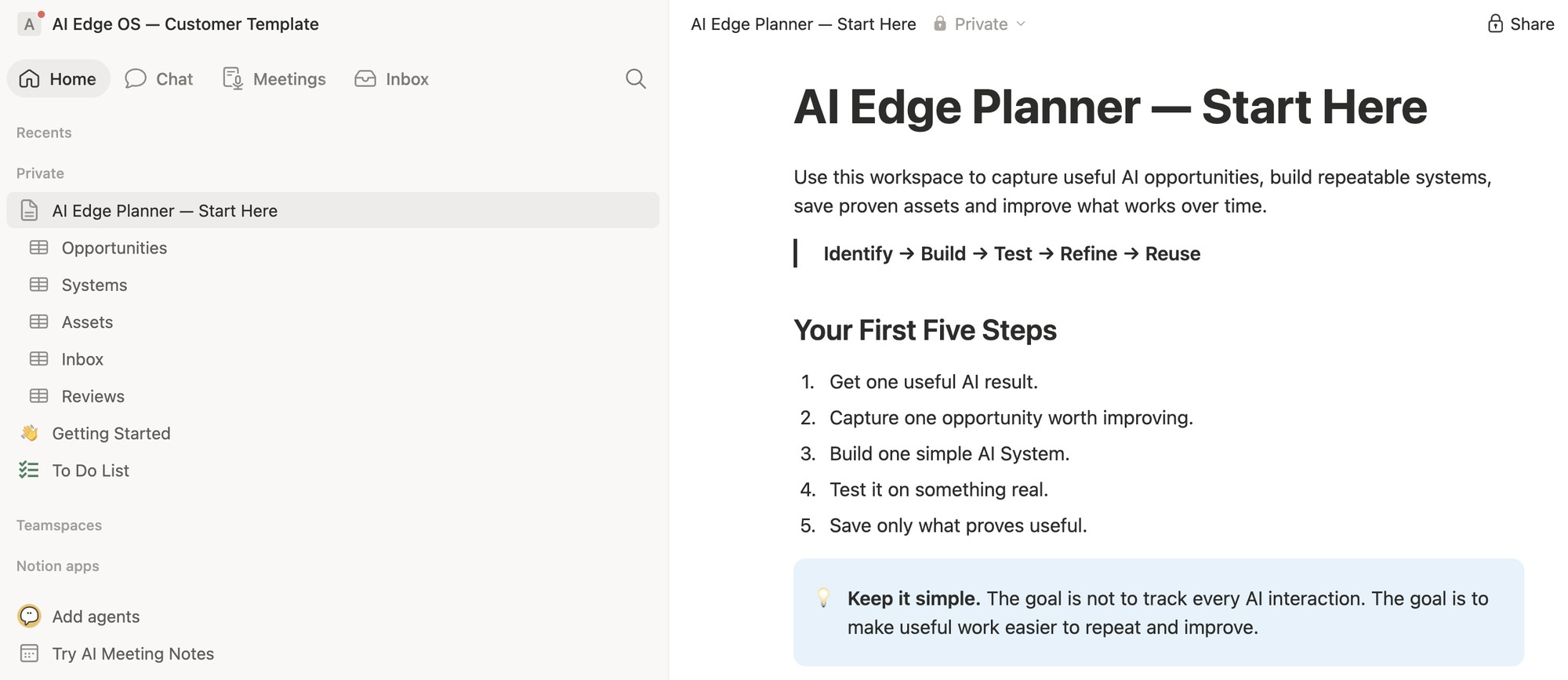
Five connected databases: Opportunities, Systems, Assets, Inbox and Reviews.
Your step-by-step setup companion
A short separate guide: what the workspace contains, how to duplicate it, how to connect an AI tool to Notion — and where to find the videos.
Optional implementation support
A quick setup walkthrough plus five videos showing the system in action. They support the Planner, never replace it.
Videos accelerate implementation. They never replace the product.
The PDF helps you build the system.
Notion becomes the system.
Use it to understand, decide and build
- Find the right AI opportunities
- Create your first AI system
- Test and refine it
- Build reusable assets
- Establish Daily / Weekly / Monthly habits
Use it to operate and improve
- Track opportunities
- Manage active systems
- Save proven assets
- Capture ideas quickly
- Revisit Reviews and progress
This is not just something to read. You build as you go.
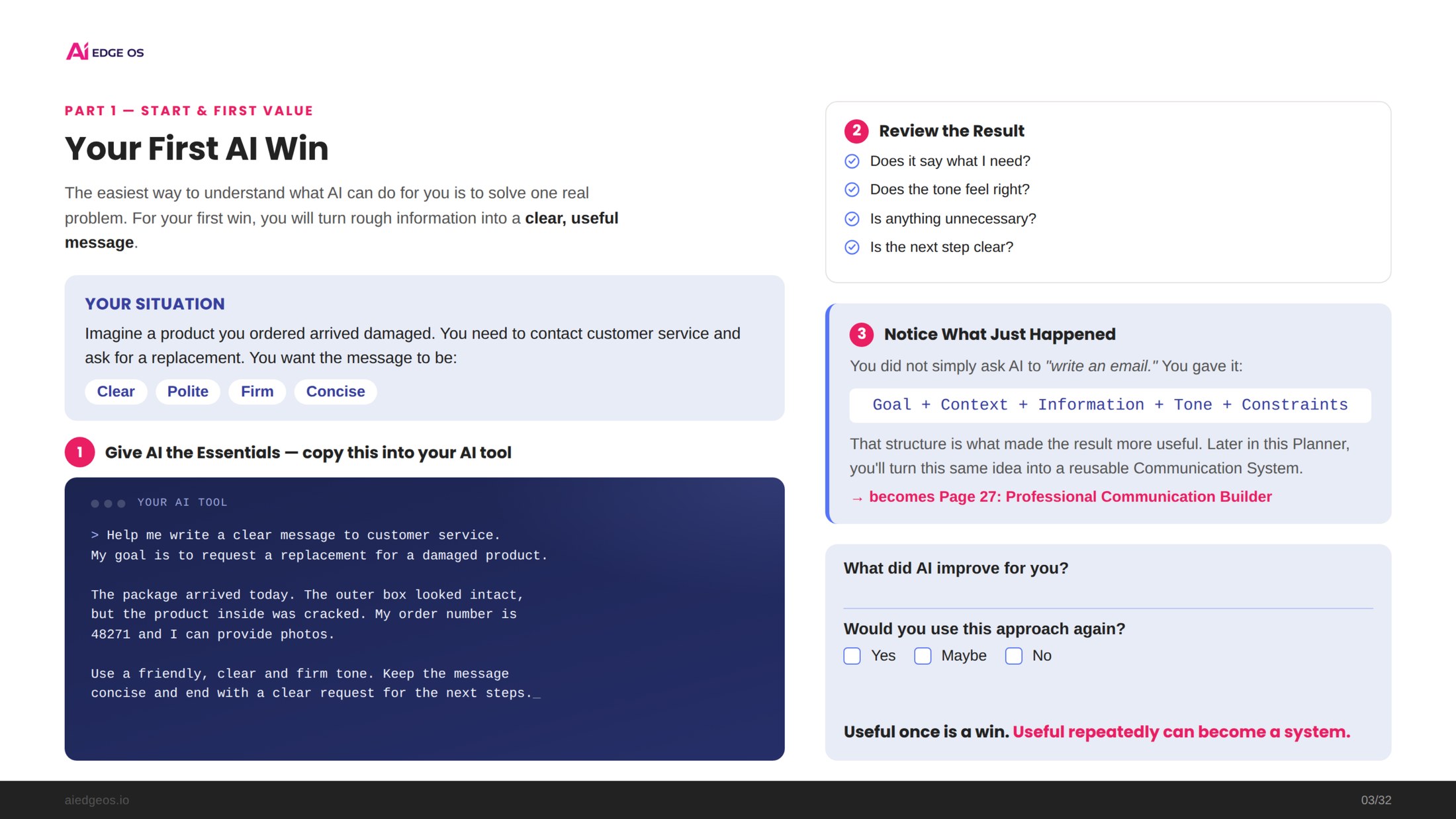
Your First AI Win
Create value immediately before learning the whole system.
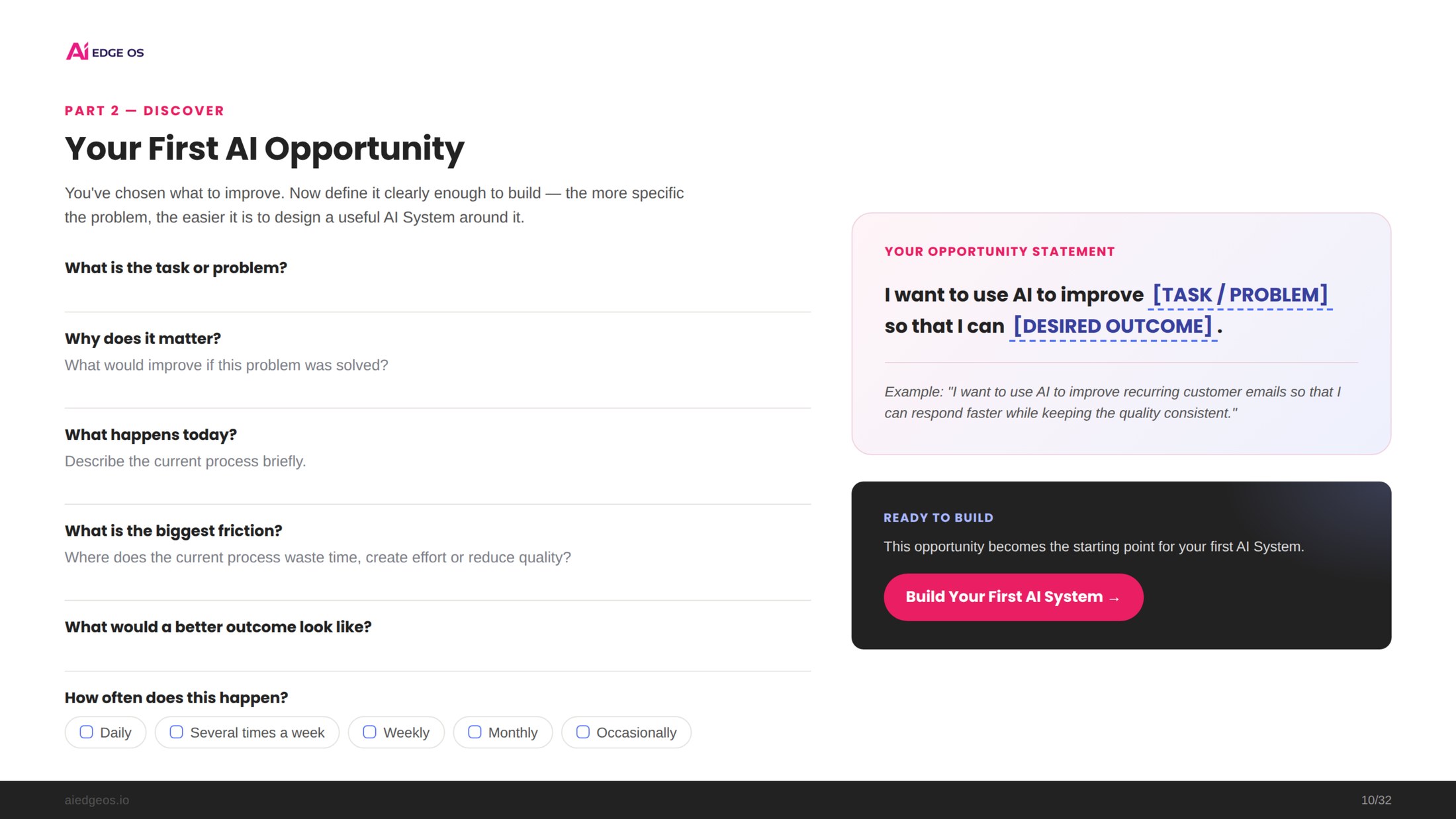
Your First AI Opportunity
Choose one meaningful problem worth improving.
Your First AI System
Define the trigger, input, process and instruction.
A Reusable Asset
Turn proven instructions, templates or workflows into something you can use again.
Your Operating Rhythm
Create a Daily, Weekly and Monthly improvement cycle.
Your Personal AI OS
Organize opportunities, systems, assets, captures and reviews in Notion.
Your Progress Review
Compare where you started with how you work now, so progress is visible in your own system — not just promised in marketing. The Planner includes a Then → Now review that helps users notice improvements in clarity, consistency, reusable systems and reduced friction over time.
Keep what creates value.
Ignore what does not.
A good Personal AI Operating System is not the one with the most systems. It is the one with the right systems.
The reusable templates in the Toolkit are starting structures for implementation — not a giant ready-made prompt library. Their purpose is to show you how to create, adapt and improve reusable assets around your own work.
Is the Planner right for you?
A good fit if you
- Already use AI, or want to use it more intentionally
- Repeat similar tasks, decisions or workflows
- Want more consistent AI outputs
- Want to stop rebuilding useful work from scratch
- Prefer practical implementation over long AI theory
- Want a system that can improve as AI evolves
Not designed for people looking for
- Hundreds of ready-made prompts
- Advanced coding instruction
- Instant end-to-end business automation
- Passive AI theory without implementation
- A system that runs everything for them from day one
You do not need to set up everything before you begin.
Open the Planner and go straight to Your First AI Win. Use AI on one simple, real problem. The rest of the system builds from what proves useful.
Start small. Get one useful result. Then build from what works.
Get the AI Edge Planner →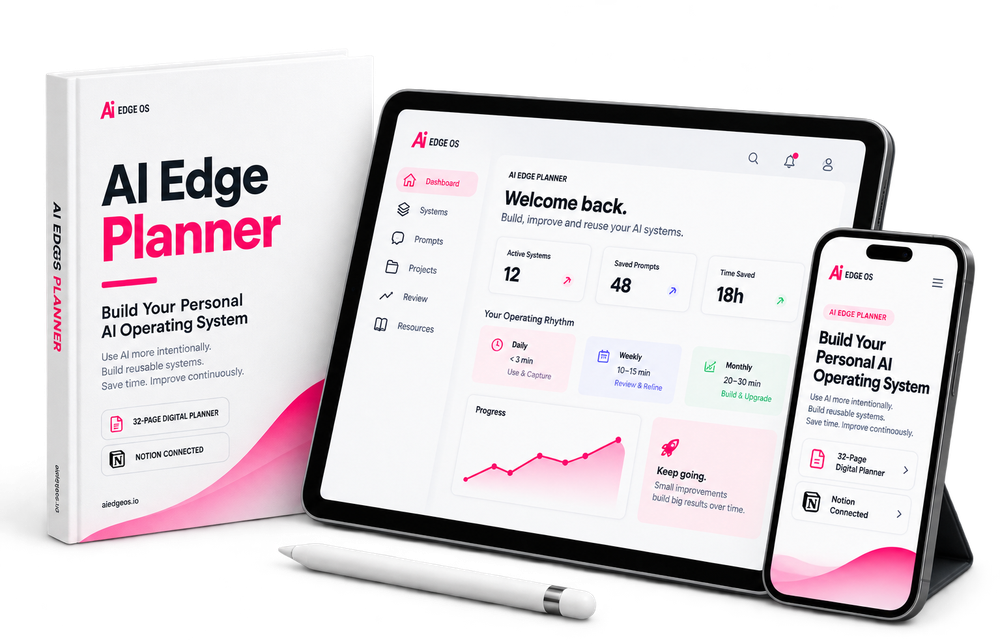
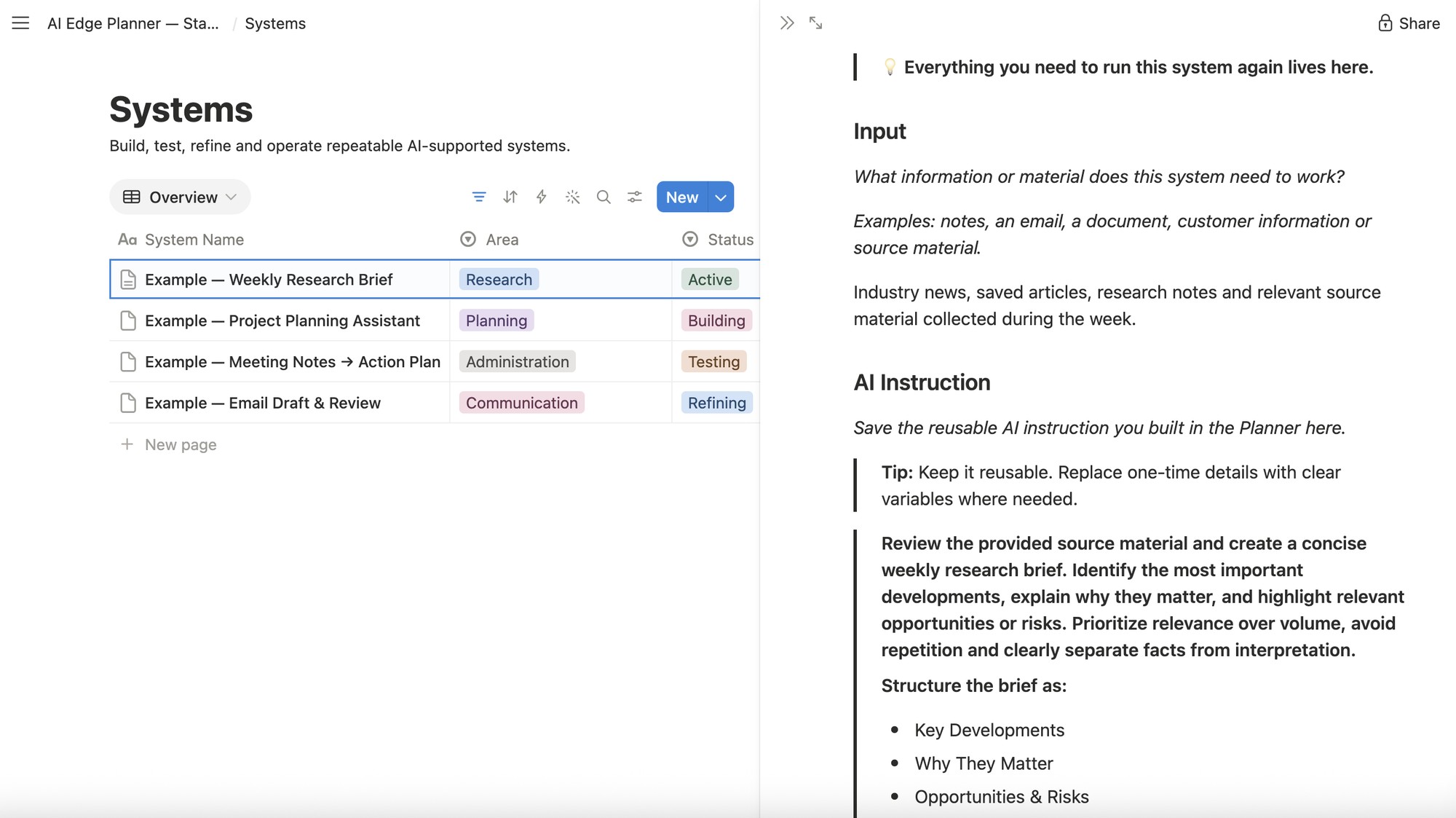
See the real system before you buy.
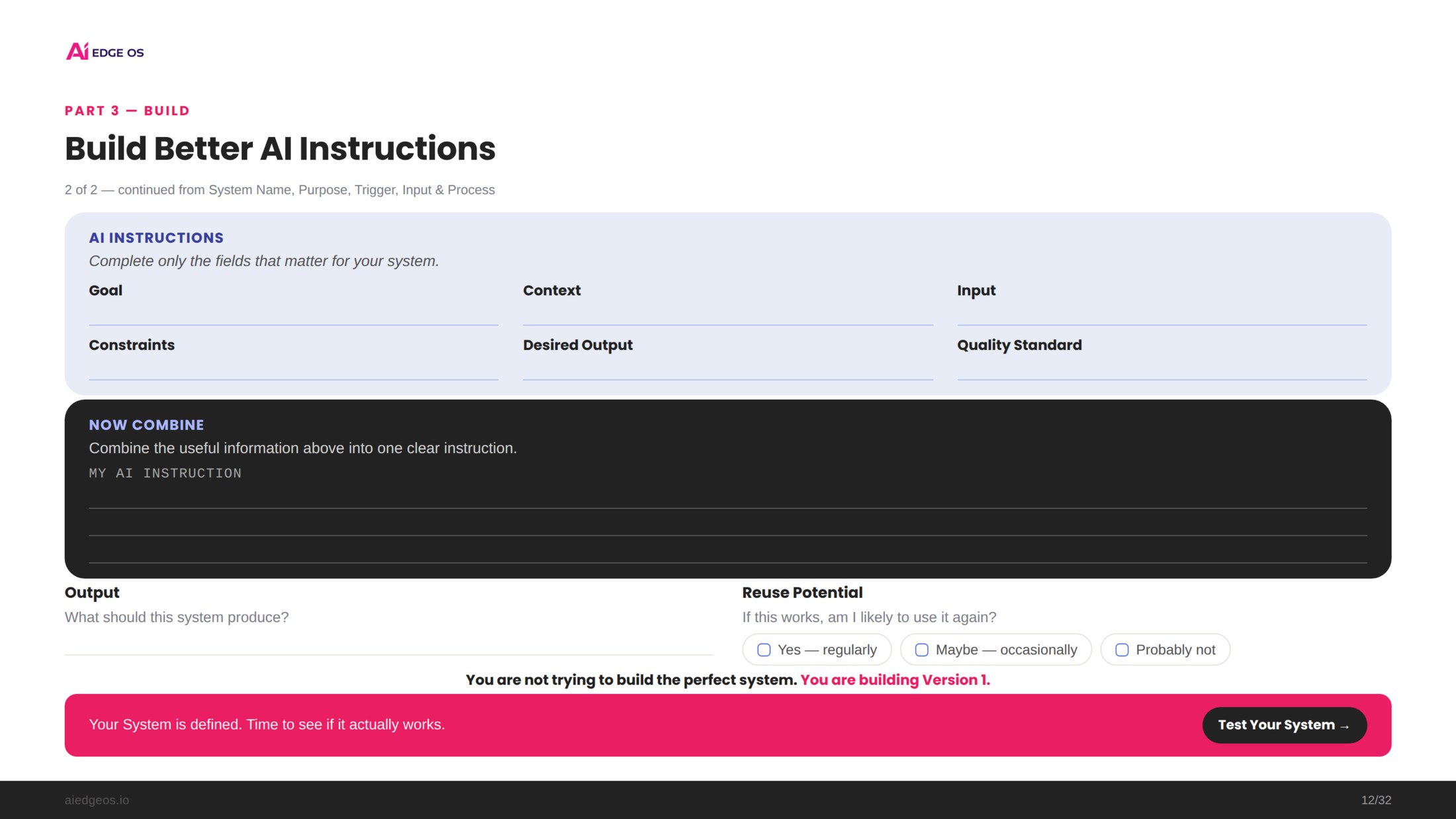
These are real examples from inside the AI Edge Planner, not illustrations.
Questions
Do I need AI experience?
No. The Planner begins with a simple real-world AI win and builds from there.
Which AI tool do I need?
The framework is tool-independent. You can use the AI assistant that best fits the task.
Do I need Notion?
No. The PDF provides the guided implementation path on its own. The Notion workspace adds the living system for storing, connecting and improving what you build.
Is this a prompt library?
No. The Planner includes useful starting templates, but its purpose is to help you build and improve your own proven AI systems and reusable assets.
How long does setup take?
The technical Notion setup is designed to take approximately 2 minutes. You can also start in the PDF first and set up Notion later.
Do I have to watch the videos first?
No. The videos are optional implementation support. The Planner itself contains the full core path.
What happens after I buy?
You receive access to the Planner, Notion workspace, setup support and Quick Start videos, then go directly to Your First AI Win.
Build Your Personal AI Operating System
- 32-page digital implementation Planner
- Connected Notion workspace with five databases
- Notion & Videos Guide (setup, AI connection, videos)
- 6 optional short videos
Stop starting over. Build an AI system you can improve and reuse.
Create your first Personal AI Operating System one
useful system at a time.
Build the foundation. Improve continuously. Expand when it creates real value.